Origen Reports
FiveM script
€29.95
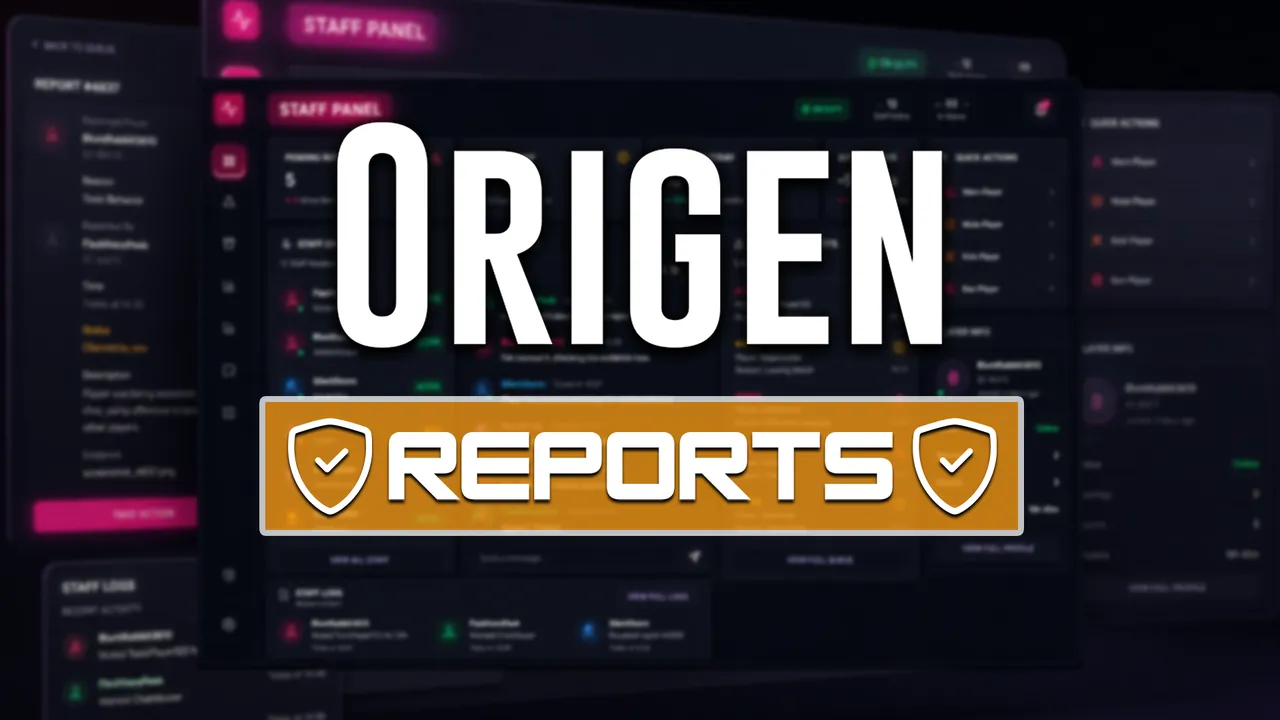
Tickets with live chat, a staff panel and in-game screen sharing so your team handles reports without leaving the game.
- Watch a player screen live in-game
- Ticket system with live chat
- Permission roles managed at runtime
- Staff performance tracking
Description
Origen Reports
An advanced support and moderation system for FiveM. Instead of a /report command that drops a line into a Discord channel, Origen Reports gives your staff a complete support layer: live ticket chat, a full staff panel, moderation quick actions, roles managed at runtime, staff performance tracking and live screen sharing inside the game.
One resource for your whole support operation, running on top of any supported framework.
Compatibility
Frameworks: QBCore, ESX, Qbox
Plug & Play
Support included
Live Screen Sharing
Native WebRTC, with no third-party tools. Watch the reported player's screen in real time from inside the panel, without Discord, OBS or external software.
WebRTC peer connection negotiated inside the NUI, so a stream can start without the player opening any UI
Configurable capture quality: frame rate, resolution and bitrate cap
Optional notification to the target: watch silently or let the player know
Configurable ICE / TURN servers for coverage even behind symmetric NAT
Limit how many staff members can watch the same player at once
Sessions close automatically on duty-off, ticket resolution or disconnect
Open the screen of any player near the reported one from the Nearby Players list
Ticket System with Live Chat
Full ticket lifecycle: pending, claimed, resolved, with claim ownership per staff member
Real-time chat between player and staff inside the ticket
Configurable maximum of active tickets per player
Anonymous staff replies: players see "Staff Administrator" instead of the admin's name
Player-side history with search, plus a global ticket history for staff, filterable by report ID, player name or identifier
Configurable report types, in-game notifications for every event, and UI sounds
Moderation Quick Actions
Available from the claimed ticket, one click away: Bring, Go To, Bring Back, Go Back, Teleport to saved points, Revive, Clothing Menu, Change Routing Bucket, Screenshot, Spectate and Watch Screen.
Nearby Players: everyone around the reported player, with distance, identifiers and optional IP (full-access staff only); configurable radius, result cap and auto-refresh
On-demand screenshots, shown inside the panel and archived
Player identifier card: name, global ID, Discord ID, license and current bucket
Roles and Permissions at Runtime
No more editing a config file to demote a moderator.
Create permission groups from the panel, with 14 granular permissions, one per moderation action
Inventory restrictions per group: full access or an explicit whitelist of items the group can give
Link staff by online server ID or by identifier, even while they are offline
Permission changes apply instantly, with no restart or relog
Staff Stats and Duty Tracking
On/off duty system; duty is required for sensitive actions
Persistent tracking of tickets resolved and total duty time per staff member
Staff leaderboard with period filters and per-member detail view
Internal staff chat and a live on-duty roster
Live Configuration Panel
Maximum active tickets per player
Anonymous staff replies on/off
Add, edit and remove teleport points, including "get my current coordinates"
Add, edit and remove the report types players can choose from
Initial values come from config.lua ; after that, everything lives in the database and is managed from the panel.
Discord Logging
35+ dedicated webhooks, one per event: ticket lifecycle, duty changes, every config edit, every group and staff change, and every quick action, with actor, target and full identifiers. Send them all to one channel or split them across your staff structure.
Framework and Resource Support
Detected automatically at startup, with no manual wiring.
Frameworks: ESX, QBCore, Qbox
Inventories: ox_inventory, qs-inventory, origen_inventory, codem-inventory, qb-inventory, ps-inventory, core_inventory, tgiann-inventory
Clothing: origen_clothing, illenium-appearance,
You may also like
- Origen Races Online · €59.99 — Bring GTA Online style races to your server: build circuits, megaramps and stunts with an easy design menu.
- Origen Job Creator & Business System · €82.50 — Let your players create and run their own businesses: shops, workshops, taxis, nightclubs and much more.
- Origen Import Heist · €19.99 — Add an import car heist: find the keys, shake off the police and deliver the vehicle to its secret drop-off.
- Origen Police + EMS · €82.50 — Give police and EMS a full MDT: real-time cameras, citizen search, reports and licenses in one place.
- Origen Illegal · €82.50 — Replace several scripts with one integrated criminal system for gangs, territories, drugs, money and reputation.
- Origen HUD · €19.99 — A minimalist, configurable HUD showing health, armor, hunger, thirst, speed and fuel at a glance.
- Origen Quests · €59.99 — Turn your server into an RPG with quests, level progression and a visual quest tree editor.
- Origen Multicharacter · €39.99 — Welcome your players with a polished character selector and a main menu you can customize.